The AI Sex Video Generator Built Into BeCraved Watch your character come alive
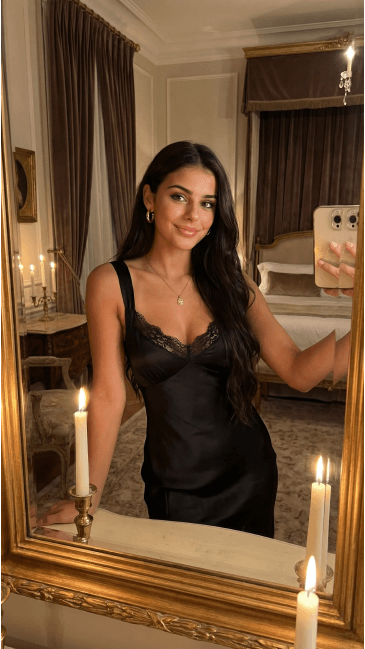

How the AI Sex Video Generator Works on BeCraved
Every ai sex video generator needs some kind of input to work from. BeCraved gives you two ways in: type out a scene description, or bring an image you already have and let it move. This idea builds on text-to-video model research that's moved fast over the last couple of years, and both paths lead to the same place: a short clip of your character doing what you pictured.
- Text-to-video starts with a scene description you write yourself, like 'she leans against the doorway and smiles slowly.' BeCraved reads the prompt and animates your character to match it.
- Image-to-video takes a photo or an image you already generated in the app and adds realistic motion to it, turning a still shot into a moving AI character video without starting over.
- You choose the pacing before you generate anything, since clips render at 5, 10, or 15 seconds and nothing longer, keeping every scene tight and specific.
- Camera movement gets folded into your scene description too, so a simple line about a slow pan or a close-up push can change how the whole clip feels.
Whichever mode you pick, the process stays simple: describe or upload, generate, and watch the clip land in your gallery a few moments later. If you want a character built specifically for this from the ground up, check out how to create your AI girlfriend before you generate her first video.
Video Quality, Camera Movement, and Style Choices
Not every clip needs to look the same. Some people want soft, realistic motion that feels like a real camera in the room. Others want anime style characters with exaggerated expressions and sharp linework. The fast growth of generative AI tools has made this kind of character animation possible without hiring an actual crew.
- Realistic motion means natural movement in things like hair, fabric, and background lighting, so the clip doesn't feel like a slideshow stitched together.
- Anime style characters keep their linework and shading intact through the animation, so the video still looks like the character you built, not a generic render.
- Camera movement, like a slow zoom or a subtle pan, comes from how you word your scene description, giving you rough control over framing without an editing timeline.
- Video quality and resolution depend partly on how clear and specific your prompt or source image is, so a well-lit generated photo tends to animate more cleanly than a blurry one.
Whatever look you're going for, the same tools apply across SFW video and NSFW video scenes once you're subscribed. Pair this with AI photo generation first if you want a strong image to animate later, since a clean starting photo usually makes for a cleaner clip.
Credits, Generation Speed, and Where Your Videos Live
Video generation on BeCraved, the core of any ai sex video generator, runs on credits, the same currency you use for photos and voice calls. It's not part of the free tier, and that's on purpose since rendering motion takes more processing than a single image. Online privacy matters here too, similar to concerns raised around online privacy in general.
- Each clip costs credits based on length, so a quick 5 second clip runs cheaper than a full 15 second one, letting you budget based on what the scene actually needs.
- Generation speed varies with clip length and server load, but most short clips finish in under a couple of minutes, not a long wait.
- Every video you make lands in your personal gallery inside the app, viewable only by you and never shared to a public feed or other users.
- NSFW clips are tied to your account and stay private by default, which matters a lot more than most people realize until they're actually generating one.
If you're weighing whether the credit cost is worth it, start by testing chat and photos first to get a feel for how credits work. Then head to AI girlfriend chat to build the relationship you'll eventually want to see in motion.
Meet Someone New
AI companions
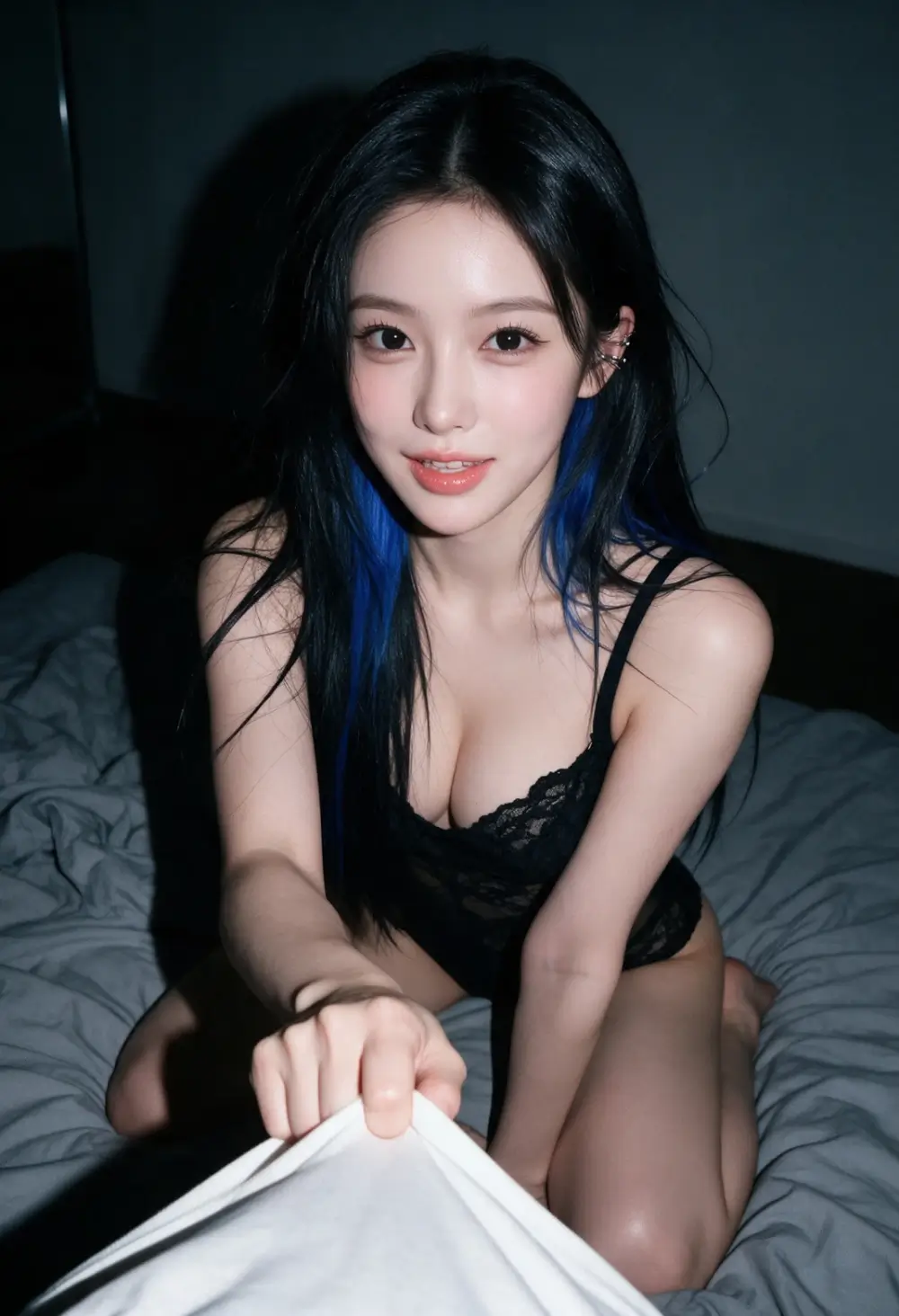
Everything You Get
Available nowText-to-Video Prompts
Describe a scene in plain words and BeCraved turns it into a moving video clip of your character.
Image-to-Video Animation
Bring a photo or an already-generated image to life instead of starting from a blank scene description.
Private By Default
Every video, SFW or NSFW, lands in your personal gallery and stays tied to your account, not a public feed.
Realistic or Anime Style Character Animation
Realistic motion or anime style linework, BeCraved animates the character exactly the way you built her.
Frequently Asked Questions
An ai sex video generator turns a written scene or an existing photo into a short moving clip of your AI character. On BeCraved, you pick text-to-video or image-to-video, choose a length of 5, 10, or 15 seconds, and the app renders realistic motion for both SFW and NSFW scenes once you're subscribed.
Clips come in three lengths: 5, 10, or 15 seconds. These are short clips built for one specific moment, not full scenes or long videos. Most people find 10 second clips are the sweet spot for capturing a clear action, like a turn, a smile, or a slow camera push toward the character.
Yes. Image-to-video takes a photo or an image you generated earlier in BeCraved and adds motion to it. You skip writing a fresh scene description and instead let the app bring that specific still image to life, which works well if you already have a shot you like the look of.
No. Video generation costs credits, the same currency used for photos and voice calls on BeCraved. You can sign up and start chatting free with no credit card, but generating clips is a paid feature tied to your credit balance and subscription.
Both. Whether your character has a realistic look or an anime style design, BeCraved animates it while keeping the linework, shading, and proportions consistent with how the character normally looks. The same text-to-video and image-to-video tools apply regardless of style.
Explore More
AI Photo Generation
Generate the images you'll later turn into video clips.
Create Your AI Girlfriend
Build a character from scratch before you animate her first scene.
Browse Characters
Explore existing characters you can chat with and eventually generate video for.
AI Girlfriend Chat
Start the conversation that leads into photos and video down the line.
AI Girlfriend Video Generator
Learn about this feature
See Your Character in Motion
Sign up free, chat with your character, and unlock video generation whenever you're ready to watch a scene come alive.